
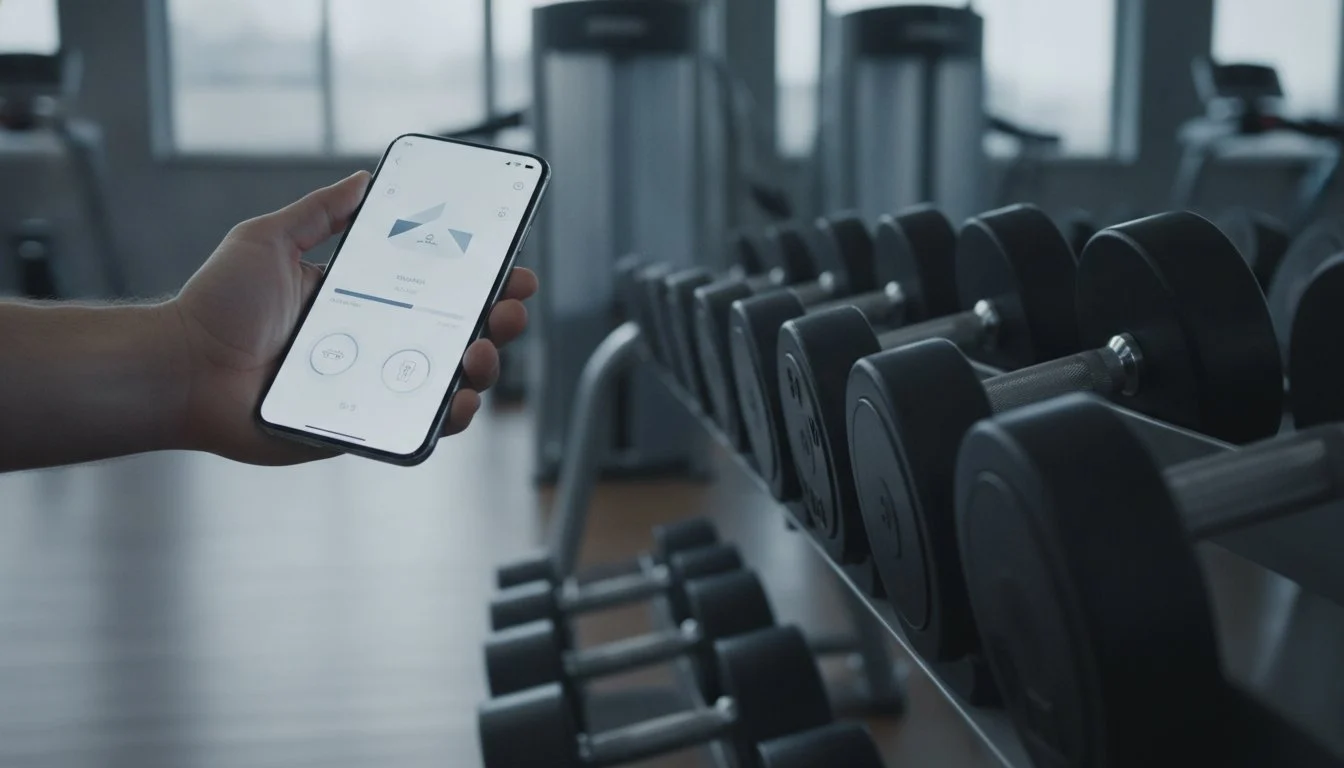
Keep the entry workflow simple without losing the details that make history useful.
Prepare the exercise list
Start with a routine you already follow. Use stable exercise names and record recurring setup details in notes.
Record the completed set
Enter actual weight and repetitions, checking any previous-session autofill. Keep warm-ups and working sets identifiable.
Review and keep a copy
Check the session for missing entries. Use documented PDF/CSV export if you want a copy outside the app, and inspect the files before depending on them. No timing, guaranteed gain or cloud-backup promise is made.
Build a record you can find next week
Name a saved routine and its exercise variations clearly. During the session, enter completed repetitions and weights, then add short notes for changed equipment or conventions. Reopen the saved workout through history rather than relying on the active screen alone. A good first check is whether you can identify the last set without reconstructing it from memory. The example concerns workflow, not a recommended training session.
Keep a usable copy when you need one
If you want to review data outside the app, inspect the documented export and open the resulting files. Weights describes PDF and CSV output in a ZIP. Check that the records you need are represented before using the files for your own analysis. Export does not establish a supported import or automatic cloud backup. Keep original files unchanged and do any spreadsheet edits in a separate copy.