
THE WEIGHTS TOOLKIT
Less guesswork.More good sessions.
Plan what comes next, record what you do, and see how your training develops. Keep your routine and your workout log together in Weights.
Download for iOSFor iPhone & iPad · Free to get started
Log each set
Record the weight and reps you actually complete, with notes for the details worth remembering.
Explore 02 /Make your routine
Group your exercises into a reusable plan so your next workout has a familiar starting point.
Explore 03 /See your progress
Explore strength, activity and milestones to put individual sessions in context.
ExploreA tracker that fits your training
Use kilograms or pounds. Build your own routines or start with an included one. Add custom exercises when your training calls for them.
Start with your next workout
Core planning and logging are free. Premium expands access to older workout history and longer chart ranges.
From routine to recorded session
Choose a saved routine, open an exercise and record each completed set. Your routine supplies the structure; the session records the weights and repetitions you actually completed. For example, a planned three-set exercise might finish with 8, 8 and 6 repetitions. Keep those actual results rather than changing them to match the plan.
Choose the information you need
Use the workout log for individual sets, routines for repeatable sessions and progress views for a longer view. A note such as “seat 4” explains an equipment setting that a number alone cannot capture. You can also export recorded training to review it outside the app.
What this app does—and where it stops
Weights records and summarizes training. A workout chart is not a technique assessment, and an estimated maximum is not a tested lift. Choose your training program separately; recording a routine does not make it an individualized coaching plan.
Questions about the weights toolkit
Is Weights available for iPad?
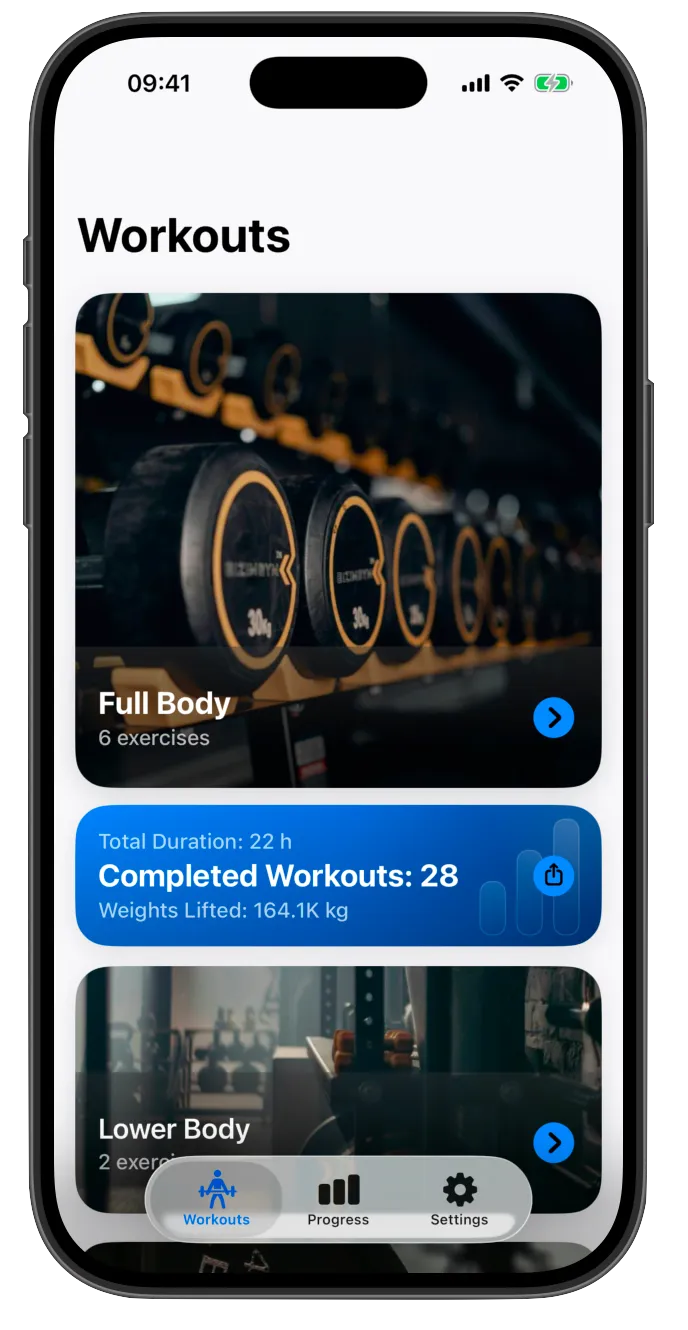
Yes. Weights supports iPhone and iPad. The screenshots illustrate the app interface.
Does it replace a coach?
No. Logging, summaries and recent-performance guidance do not assess your technique or replace individualized coaching.
Explore the details
Custom exercises that keep your log clear
Create recognizable exercise variations and keep naming consistent so your workout history remains useful.
Keep warm-up and working sets distinct
Use the separate warm-up and working-set workflow in Weights to make your completed workout easier to review.
Previous workout values, with context
Use previous-session autofill as a starting reference, then record the actual sets you complete today.
Read your muscle focus with the workout behind it
Use the muscle focus view alongside exercise history, notes and recorded sets to understand what you logged.
YOUR NEXT STEP