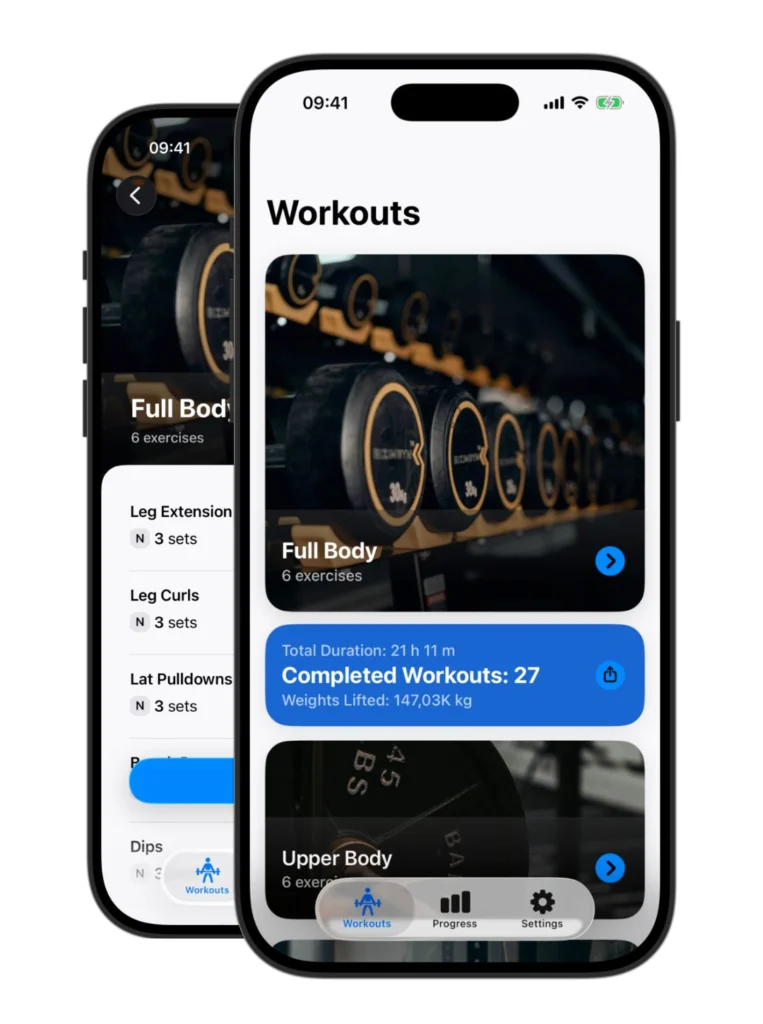
Introduction
Ever left the gym thinking, “Did I lift more than last week?” Without a workout tracker, progress is hard to measure, and plateaus sneak up on you. That’s why serious lifters—and anyone chasing fitness goals—need a system that records every rep.
What Is a Workout Tracker?
A workout tracker is your digital training log, built to capture every set, rep, and weight you perform.
For beginners, it adds structure and makes workouts less overwhelming.
For intermediate lifters, it provides clarity and consistency.
For advanced athletes, it delivers performance history, graphs, and feedback to push past sticking points.
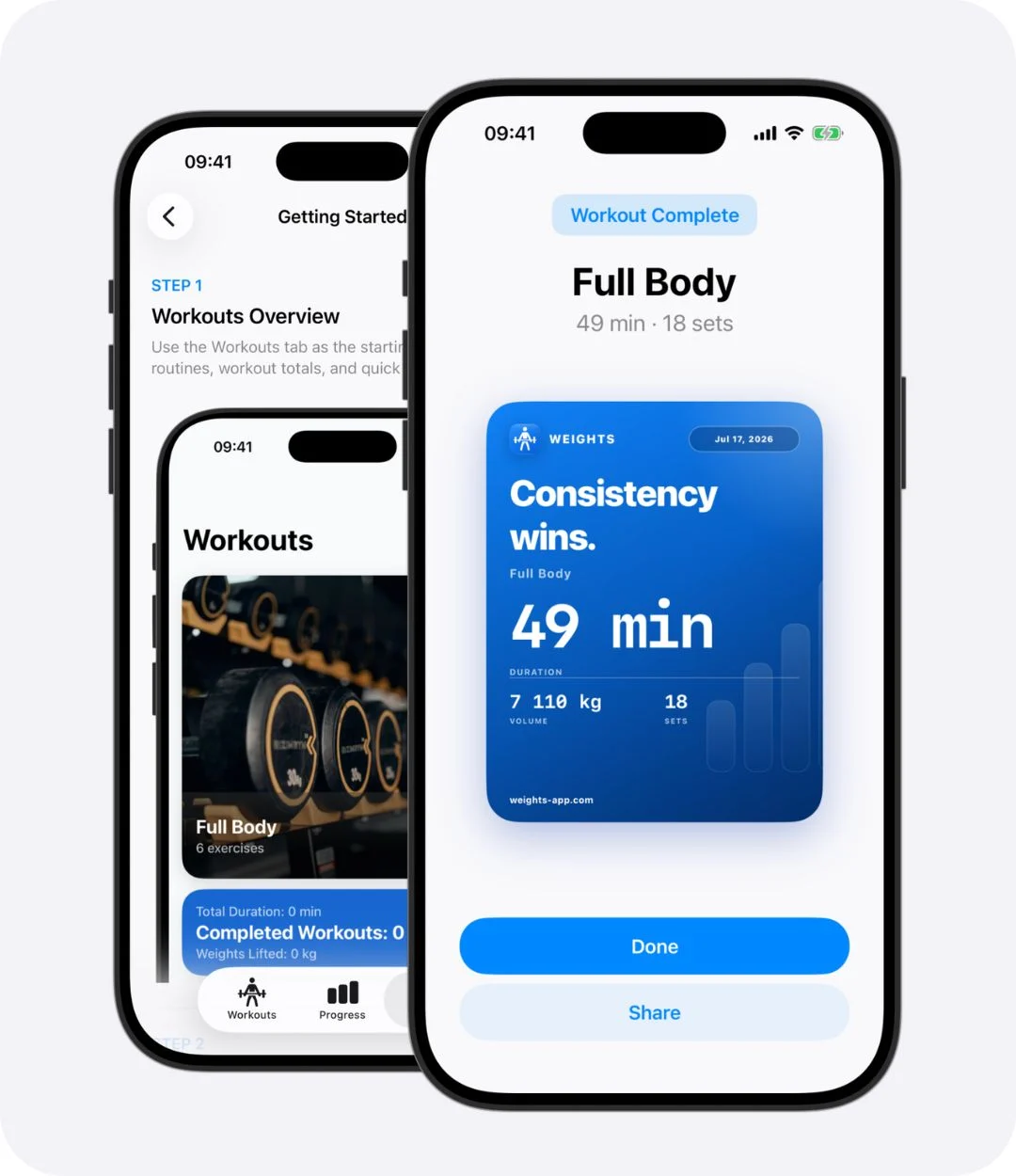
Why a Workout Tracker Matters
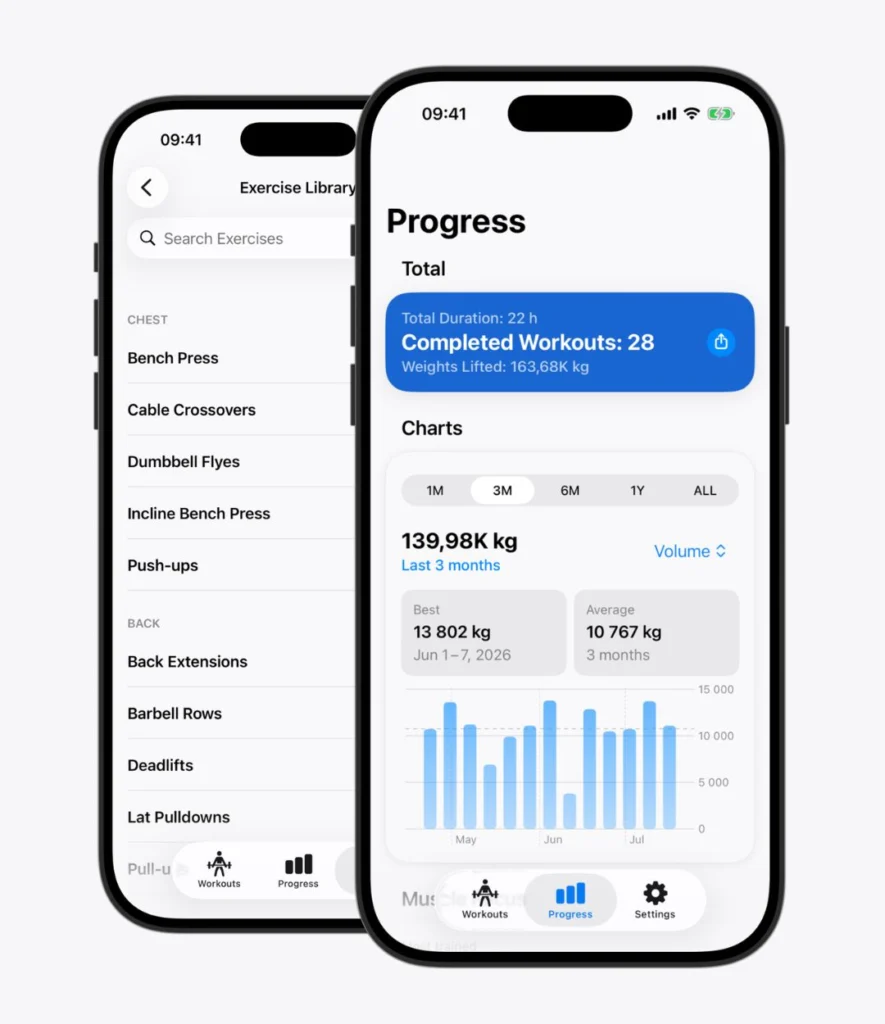
Makes Progress Visible
You don’t just “feel” stronger—you see it in your numbers: Last month: 70 kg bench × 6. This month: 80 kg × 6.
Keeps You Consistent
Logging every session builds accountability. Skipping workouts is harder when your history is right there on your phone.
Enables Progressive Overload
The foundation of gains is doing a little more over time. A tracker ensures you always know when it’s time to push harder.
Provides Motivation
Seeing small, steady improvements week after week gives you the momentum to keep going.
Common Problems Without a Workout Tracker
- Forgetting your weights and reps from last session.
Training without direction or progression.
Stalling on lifts without noticing.
Feeling unmotivated because you can’t measure progress.
Why Weights Is the Workout Tracker You’ve Been Looking For
Core Features
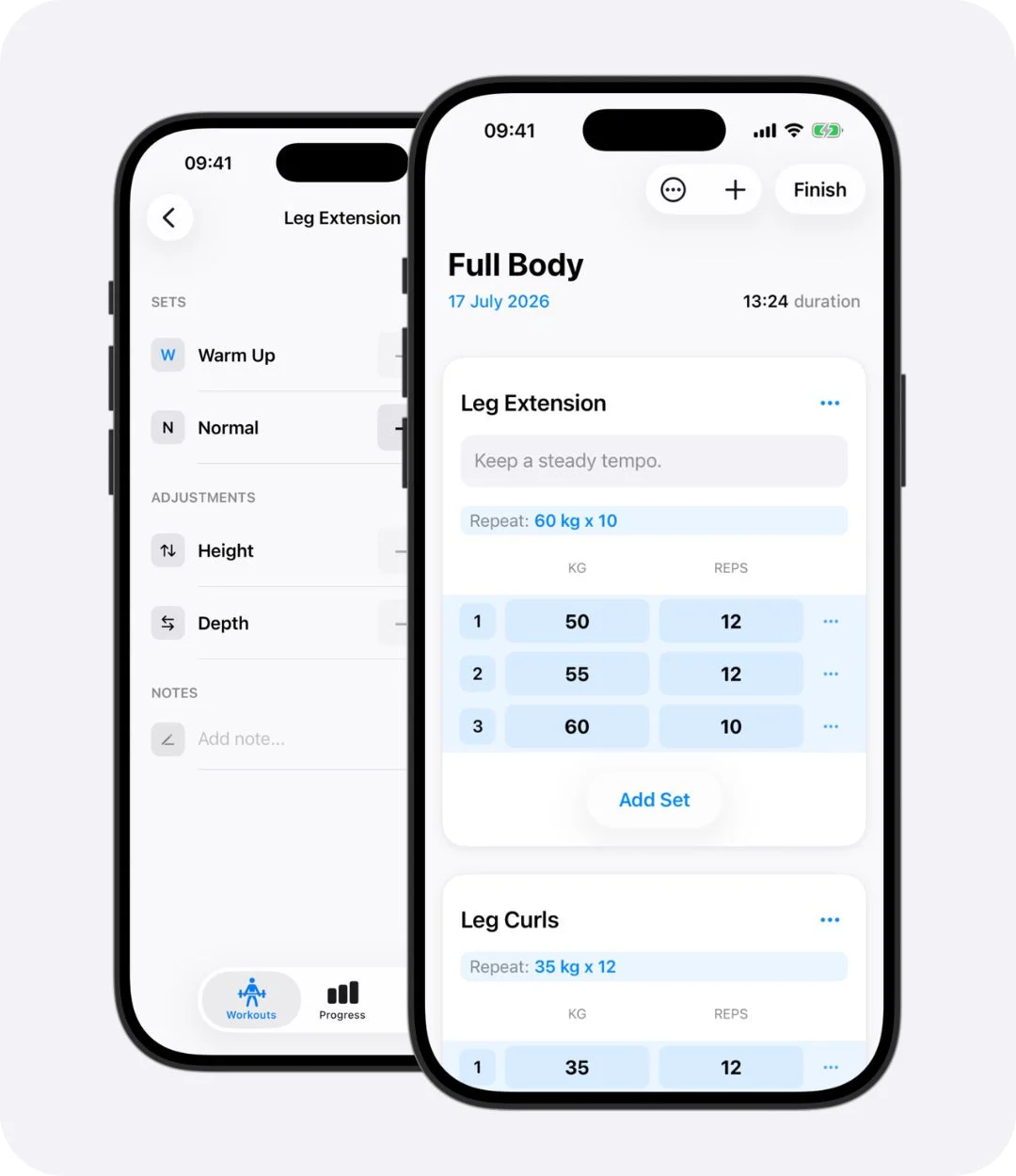
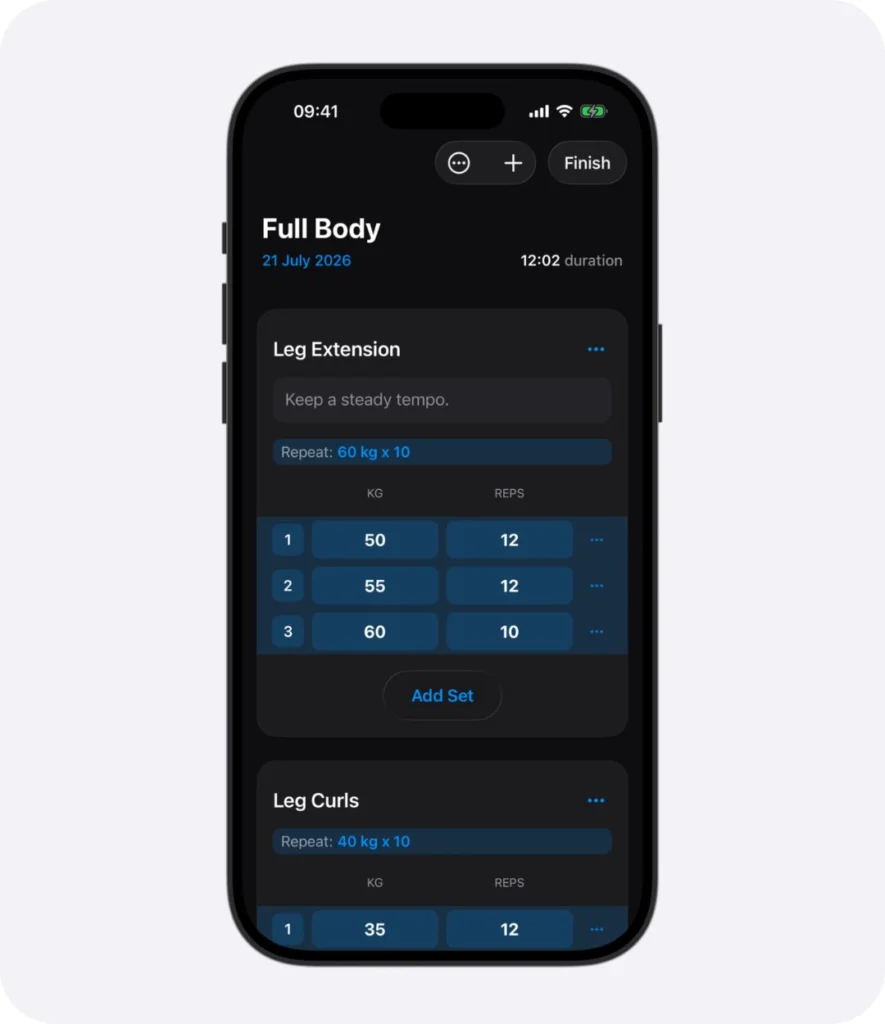
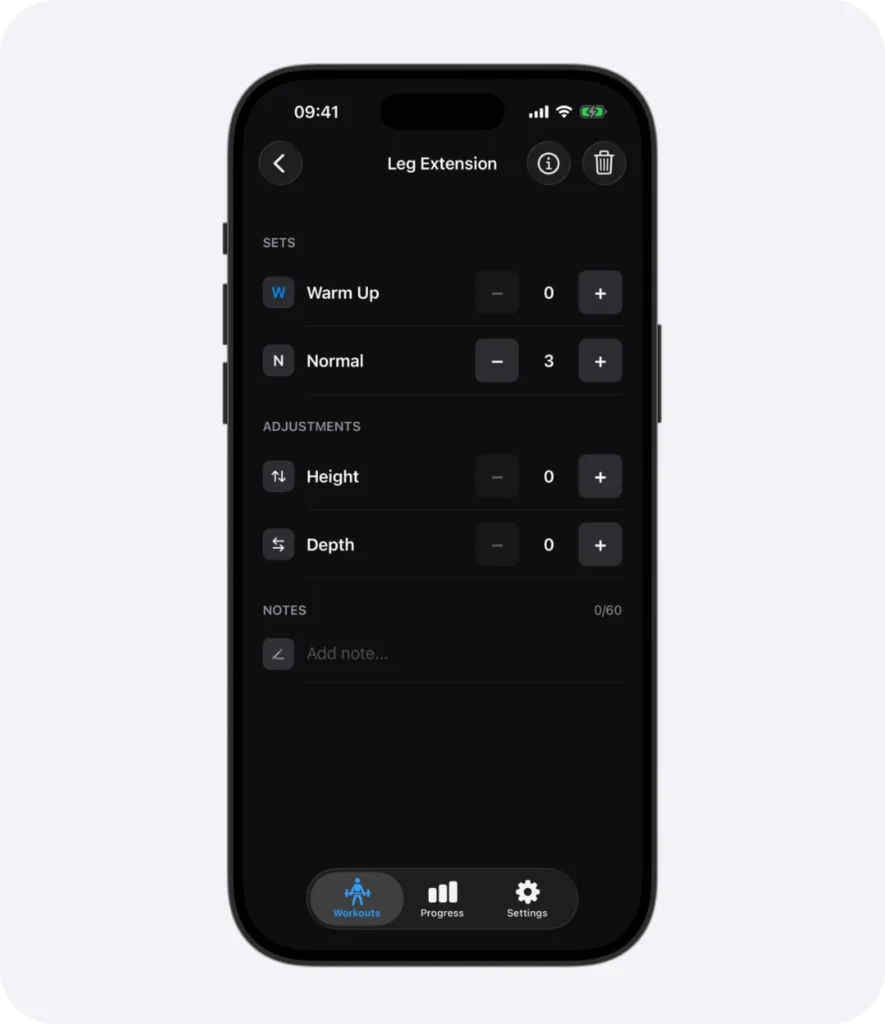
Fast logging of sets, reps, and weights.
History view to review past workouts in seconds.
Progress graphs to visualize gains.
Apple Health sync for a complete fitness picture.
Offline support so it works wherever you train.
Benefits That Drive Results
Never forget your numbers.
Train smarter with structured progression.
Save time logging and spend more time lifting.
Stay motivated with clear, visible progress.
Actionable Tips:
How to Use a Workout Tracker Effectively
- Set clear goals in the app (strength, muscle, consistency).
- Review weekly trends to find where you’re improving or stalling.
- Apply progressive overload by adding reps, weight, or sets as the tracker shows your progress.
- Use notes (RPE, rest time, technique cues) to add context and improve training quality.
- Log every workout, even light recovery days—data compounds over time.
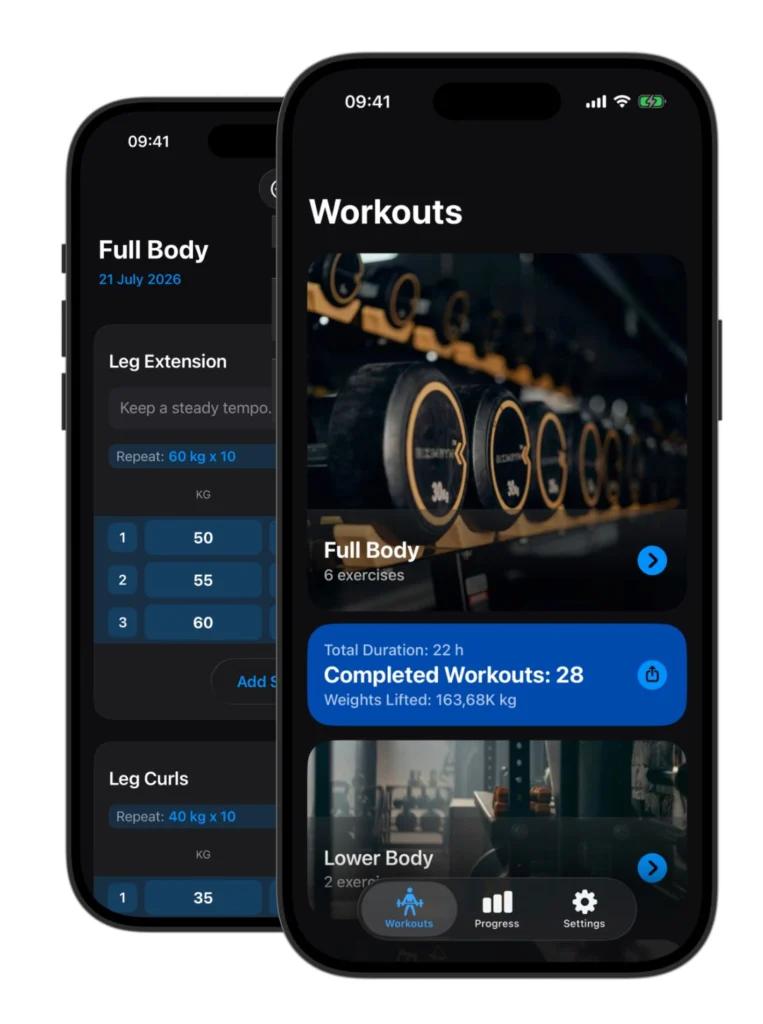
Ready To Get Started?
Guessing doesn’t build progress—tracking does. A workout tracker helps you stay consistent, see results, and smash plateaus.
👉 Download Weights on the App Store today and make every rep count.